Strategy
Part of On-page SEO: a focused business guide for 2027
On-page SEO tools: which layer each one reads and what it can prove
A practical guide to on-page SEO tools, matching each to the page decision it settles, from Search Console and rendering checks to schema validation and crawlers.
What to take away
- Every tool here reads a different layer of the pageGoogle's index, the live HTML, the rendered DOM, or a crawl of your own site.
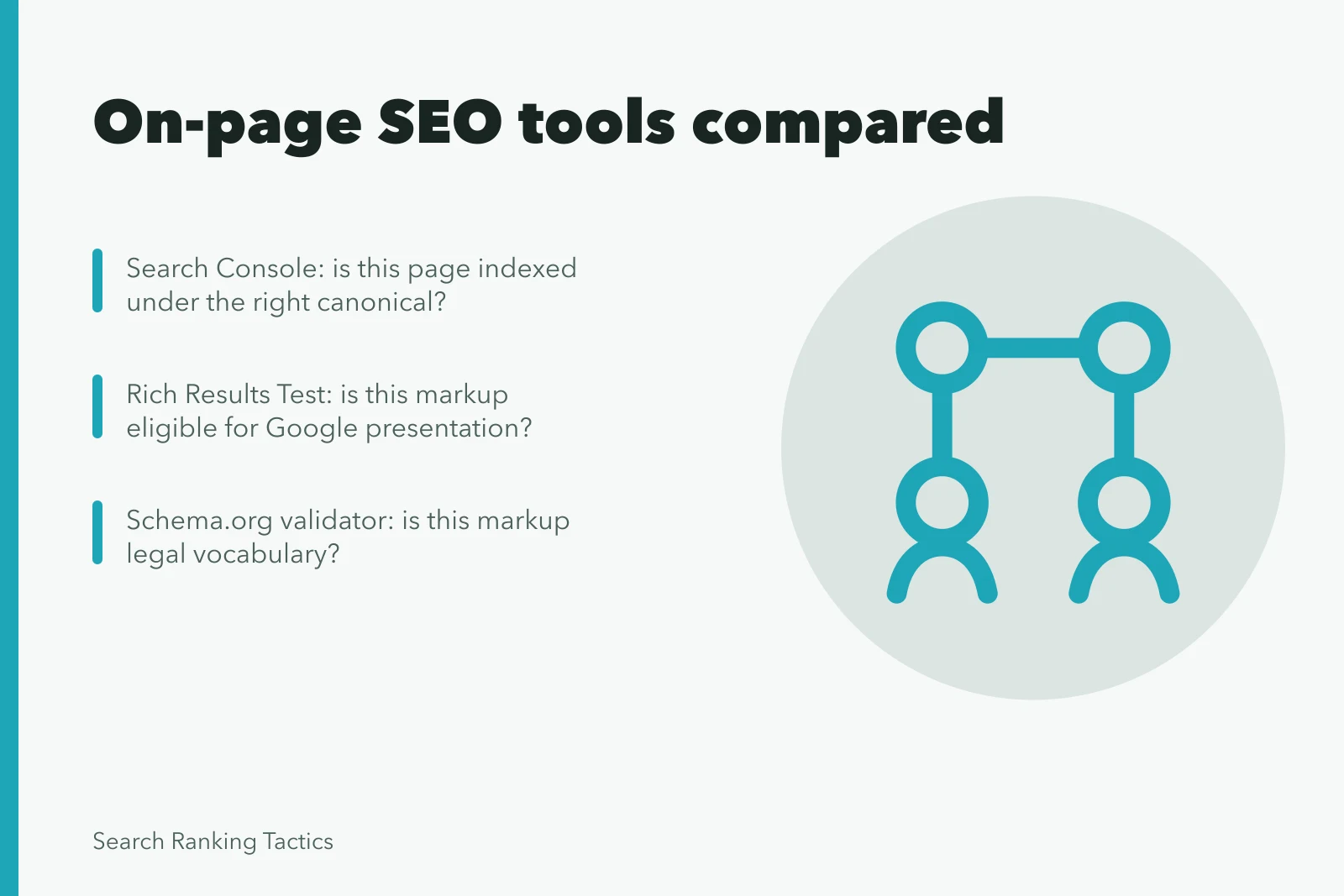
- Match the tool to the decision. Search Console answers "is this page indexed"; Schema.org validation answers "is this markup legal".
- A tool can prove a condition exists. It cannot prove the condition caused a ranking or revenue change.
- Test any candidate on a page set you already understand, so you can count what it misses.
- Price the human review alongside the licence. Validation work is the cost that gets forgotten.
On-page tools disagree because they inspect different layers. Search Console reports what Google indexed. A crawler reports what your server returned. DevTools reports what the browser built. None of them sees the whole page.
Start with the page decision
Write the decision before you open a tool. "Is this product page indexed under the right canonical?" is a decision. "Improve on-page SEO" is not.
Write the page decision first
Is this product page indexed under the right canonical?
Read the page and move on
Fix canonical, then recheck
A decision names the page, the condition and the action. If the answer would not change what you do next, the check was entertainment.
Google Search Console and URL Inspection
Search Console shows queries, impressions and clicks for pages Google has indexed. Use it to find pages that earn impressions but few clicks, then read the page.
Search Console vs URL Inspection
Search Console
- Shows
- Queries, impressions, clicks
- Use for
- High impressions, low clicks
- Limit
- Indexed pages only
URL Inspection
- Shows
- Indexed vs live URL
- Use for
- Canonical, crawl, render
- Limit
- Live test not indexing
URL Inspection compares the indexed version against the live URL. It reports canonical choice, crawl status and render details. Record what it omits. A live test does not promise indexing.
Rendering tools: PageSpeed Insights, Lighthouse, DevTools
PageSpeed Insights pairs field data from real visitors with a laboratory run. Field data tells you what people experienced. The lab run tells you what a controlled device produced.
Rendering tools compared
PageSpeed Insights
- Data
- Field plus lab
- Shows
- Visitor experience
- Record
- Field vs lab
Lighthouse
- Data
- Lab on demand
- Shows
- Controlled audit
- Record
- Version, device, network
DevTools
- Data
- Rendered DOM
- Shows
- Network, layout shifts
- Record
- Reproduce on device
Lighthouse runs that laboratory audit on demand. Record the version, device, network and page state, because scores move when any of them change.
Chrome DevTools shows the rendered DOM, network requests and layout shifts. Reproduce anything important on a real device before you file it.
Structured data: Rich Results Test and Schema.org validation
The Rich Results Test checks whether visible markup is eligible for a supported Google presentation. Google's structured-data guide recommends it for that question and separates it from general vocabulary validation.
Rich Results vs Schema.org
Rich Results Test
- Checks
- Google eligibility
- Use when
- Supported presentation
- Verifies truth
- No
Schema.org Validator
- Checks
- Vocabulary markup
- Use when
- Unsupported type
- Verifies truth
- No
The Schema.org Markup Validator checks markup against the vocabulary itself, outside any one search product. Use it when you need a type Google does not currently support.
Neither tool verifies that a claim is true. Markup saying a product costs a figure you invented will validate and still mislead.
Bing inspection and Site Scan
Bing URL Inspection reports how Bing sees a URL. Keep Bing and Google findings in separate columns. Blending them without a documented bridge produces confident nonsense.
Bing Site Scan runs a bounded crawl for supported technical patterns. Treat it as a second opinion on crawlability, not as a ranking report.
Crawlers: Screaming Frog and Sitebulb
Screaming Frog SEO Spider inventories status codes, titles, headings, canonicals, links and rendered elements across a site you point it at. It is the workhorse for finding duplicate titles at scale.
Sitebulb does similar crawling with heavier visualization and prioritization. Teams choose between them on collaboration, exports and how the findings reach the people who fix pages.
Commercial suite auditors
Suites bundle crawling, rule libraries and dashboards into one subscription. They suit teams that need the same crawl feeding several departments.
The trade is depth for breadth. A suite rule you cannot inspect is a finding you cannot defend.
Run a fair evaluation
Build a test set of pages whose problems you already know:
- one indexable page
- one canonical variant
- one redirect chain
- one blocked URL
- one page with structured data
- one script-heavy page
- one known error
Run every candidate tool against that set. Count what each one finds, what it invents and what it misses.
Proof task
- Coverage
- Run the known page set
- Accuracy
- Verify findings on live pages
- Workflow
- Complete one real investigation
- Control
- Test roles, credentials and retention
- Economics
- Price full use plus human validation
Reject when
- Coverage
- Whole page classes vanish
- Accuracy
- Errors cannot be traced
- Workflow
- Ownership or export is blocked
- Control
- Access exceeds need
- Economics
- Cost exceeds decision value
Test the operating burden
The GOV.UK technology selection guidance asks buyers to weigh adaptability, data control and ownership cost. Those questions apply to on-page tools, which hold your page inventory and your crawl history.
The GOV.UK open standards guidance ties open formats to interoperability and reduced supplier dependence. Ask whether exports leave in a format another tool can read. The same ownership-cost test shapes how teams pick SEO strategy tools for crawling and reporting.
Common questions
What is the best on-page SEO tool?
There is no universal winner, because each tool reads a different layer. Pick the smallest set that answers your named decisions and fits your scale, workflow and budget.
Can an on-page tool prove a ranking problem?
No. It exposes conditions and hypotheses. Confirm the live page, the search-system evidence and the customer effect before you act.
How should I test an on-page tool before buying?
Run it against a page set whose problems you already know. Count false positives, complete one real investigation, export the data, then price the human review.